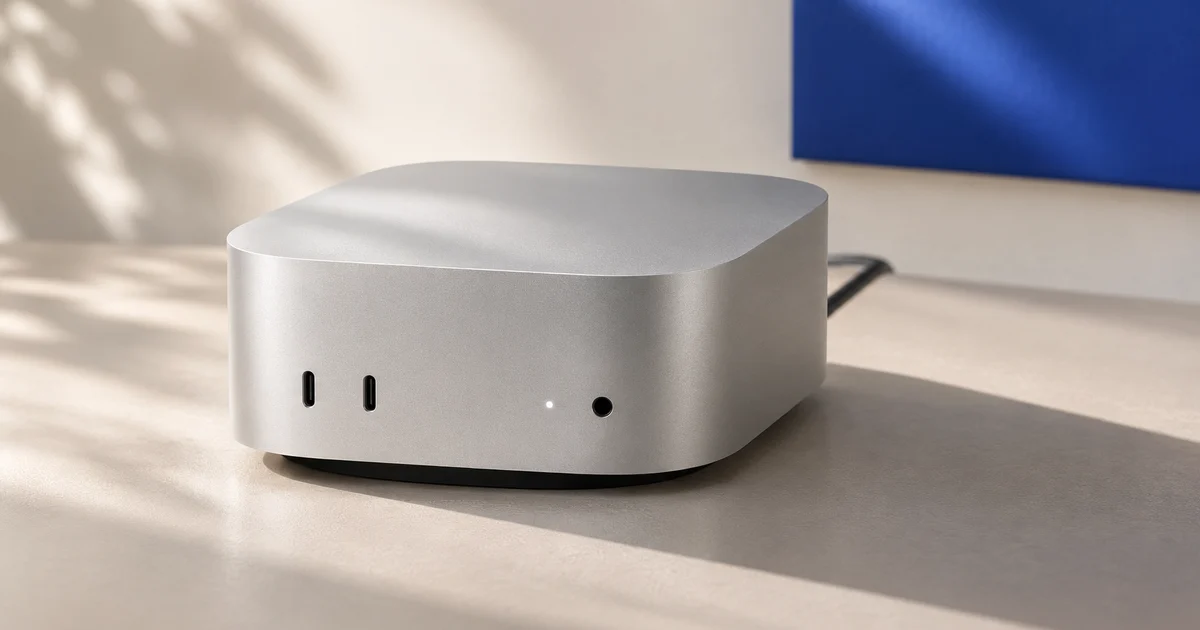
A Korea Mac mini rental can give you a consistent macOS workspace for development, project files and everyday tools. The buying decision should cover more than the monthly fee: you need a machine that fits your workload, a usable connection from your own desk, and a clear way to recover access. Use these checks before choosing a rental term.
Choose the right service
Start with what must stay on the Mac: an editor and repositories, a browser-based workflow, or a specific macOS application. A dedicated machine is worth considering when you want to keep that environment in place between sessions. For occasional work, compare the rental commitment with how often you will actually use it.
Ask whether you receive an entire physical Mac for the agreed term, which administrative permissions you have, and who manages system updates. Hardware exclusivity does not automatically mean application support or backups are included. Check software licences and cloud-service account eligibility separately.
Match the configuration
Choose against a representative project, rather than a chip name alone. Request the following details for the actual machine you would receive:
- Chip and software compatibility: confirm the exact model and whether your required applications, dependencies and macOS version work together.
- Memory: describe the editor, browser tabs and other tools you expect to run concurrently.
- Storage: allow for source files, SDKs, caches, build output and free space for updates.
- Changes later: ask whether moving to another configuration requires a machine change or reinstall, and how you would transfer your data.
A typical project, approximate storage use and application list make a more useful enquiry than a request for the cheapest Mac. Confirm the final configuration in the order details.
Try your real workflow
Desktop access and command-line access serve different tasks. Apple documents Screen Sharing for viewing and controlling a desktop, and Remote Login for SSH and SFTP. Confirm the connection method supported by the rental and your local computer.
When evaluating access, use your usual network and working hours. Type in an editor, scroll a page, switch applications and transfer a representative file. Check the resolution, clipboard and keyboard layout you need. Geographic proximity can inform your shortlist; it cannot establish the quality of your particular connection.
Record desktop responsiveness separately from file-transfer speed and any cloud application's response time. For a structured evaluation, follow the remote Mac latency checklist.
Know the recovery path
Before relying on the machine, ask how you regain control after a failed remote application, an operating-system restart or a configuration mistake. Request a distinction between normal desktop access, hardware KVM access and remote power control. Confirm how you reach each control, what authentication it requires and when provider assistance is needed.
KVM and power controls still depend on functioning equipment, power and network connectivity. Restarting is not a substitute for diagnosing a fault, and an erase or reinstall can remove your work. Arrange a backup before making destructive changes.
If you enable FileVault, confirm the startup-unlock procedure. Apple advises keeping a recovery-key copy outside the encrypted startup disk. Keep control of that recovery information yourself.
Make backups your own
Write down which files would stop your work if they disappeared. Keep a copy outside the rented Mac, including project data that is not covered by your source repository. Decide how often it is copied, who checks completion and how a file would be restored.
Ask whether the plan includes any backup service and what it covers; do not assume it from the word “dedicated”. Before ending a rental, export what you need, check the exported copy, remove your account access and confirm the hand-back and erasure process. Establish who performs each step.
Compare the full commitment
Request the rental period, renewal rules, cancellation deadline and any minimum commitment in writing. Clarify setup charges, optional storage or backup costs, remote-access software licences and any usage-related charges that apply to your plan. Confirm the billing currency and the amount payable at checkout.
Also ask what support covers, how to request it, and what happens if hardware needs replacement. A monthly price is difficult to compare when one quote includes services another treats as optional. Choose a commitment that lets you evaluate the working environment before depending on it for a longer project.
Choose your next Mac
A useful buying brief contains your application list, required macOS version, expected memory and storage needs, normal access location, and intended rental period. Add the recovery and backup questions above. Keep the answers with your order so the handover can be checked against what was agreed.
VPC.KR offers dedicated physical Mac mini machines in Seoul with a full macOS environment, hardware KVM and remote power control. Review the current Mac mini rental options for models, availability and pricing, then confirm the details for your workload before ordering.
For AI-assisted development, the Claude Code remote Mac workflow guide explains the workspace separately from the AI service. Running a cloud-service client on a Mac does not by itself mean the model runs locally, or that the rental establishes eligibility to use that service.